
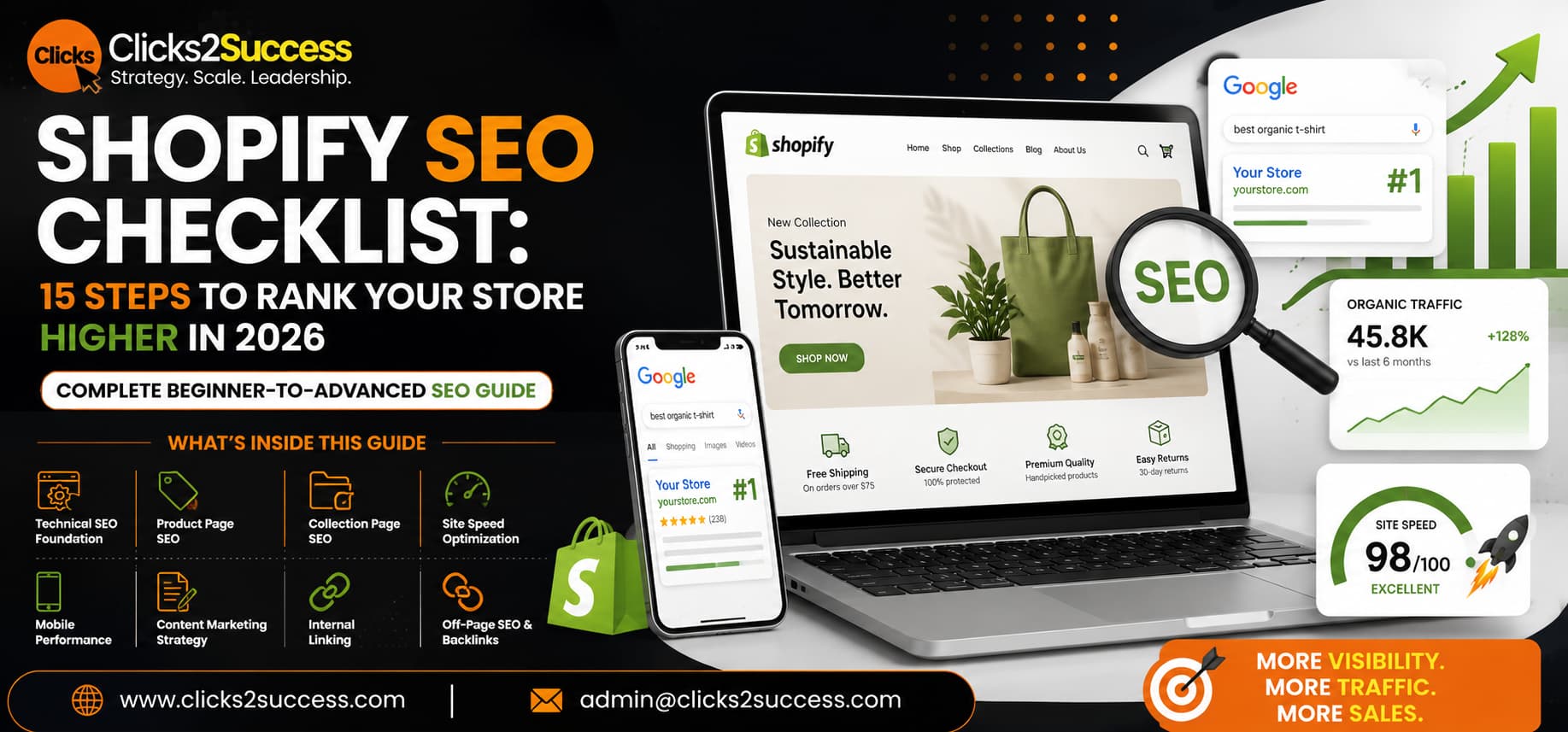
Shopify SEO Checklist: 15 Steps to Rank Your Store Higher in 2026
- June 29, 2026
- B_Siddharth
- 10:46 am
Running a Shopify store without SEO is like opening a beautiful shop on a street no one walks down. You could have the best products, the slickest design, and the most competitive prices — but if Google doesn’t know your store exists, neither do your customers.
The good news: Shopify is one of the most SEO-friendly e-commerce platforms available. With the right setup, even new stores can compete for serious search traffic. This checklist walks you through exactly what to do, step by step.
Why Shopify SEO Matters More Than Ever in 2026
Paid ads are getting more expensive. Customer acquisition costs have risen sharply across Google and Meta. More Shopify store owners are turning to organic search as a way to reduce their dependence on paid traffic and build a channel they own.
SEO traffic converts differently too. Someone who finds your store by searching “best sustainable yoga mats” has already done research. They’re further along in the buying process than someone who saw a cold ad.
Technical SEO Foundations
1. Make Sure Your Store Is Indexed by Google
Go to Google Search Console (it’s free) and confirm your sitemap is submitted. Shopify automatically generates a sitemap at yourstore.com/sitemap.xml. Check that no important pages are accidentally blocked by your robots.txt file.
2. Set Up Google Search Console and Google Analytics
Search Console shows you which keywords you’re ranking for and flags crawl errors. Analytics shows you where traffic is coming from and how visitors behave. These two tools are non-negotiable.
3. Use a Clean URL Structure
Keep URLs clean and descriptive. Good: yourstore.com/products/organic-cotton-tee. Bad: yourstore.com/products/item-298374-v2-copy.
4. Fix Any Broken Links
Broken links (404 errors) hurt both user experience and SEO. Check for them using Google Search Console’s Coverage report. When you delete a product, always set up a redirect to the closest relevant page.
On-Page SEO for Product Pages
5. Write Unique, Keyword-Rich Product Titles
Include the primary keyword your target customer would search for. Instead of “Blue T-Shirt,” use “Men’s Slim-Fit Organic Cotton T-Shirt — Navy Blue.”
6. Optimise Your Product Descriptions
Write original, detailed descriptions for every product — at least 150–300 words. Include your primary keyword naturally, explain the benefits clearly, and answer questions a buyer might have.
7. Optimise Title Tags and Meta Descriptions
- Title tag: Under 60 characters. Include your primary keyword near the front.
- Meta description: Under 160 characters. Compelling, benefits-focused, includes a soft call to action.
Edit these under the “SEO” section at the bottom of each product, collection, or page editor in Shopify.
8. Use Header Tags (H1, H2, H3) Properly
Each page should have exactly one H1 tag. Use H2s for major sections and H3s for sub-points. Include your primary keyword in the H1 and variations in your H2s.
9. Add Alt Text to Every Product Image
Write clear, descriptive alt text for every image: “organic cotton navy blue men’s t-shirt laid flat on white background.” This helps Google and improves accessibility
Collection Page SEO
10. Add Introductory Content to Collection Pages
Most Shopify stores have completely empty collection pages — just a grid of products. Add 100–200 words of original, keyword-relevant content above or below the product grid. This gives Google text to index and improves your relevance for category-level searches.
Site Speed and Mobile Performance
11. Optimise Your Images
Large image files are the number-one cause of slow Shopify stores. Compress all images using TinyPNG or Squoosh before uploading. Use WebP format where possible and enable lazy loading in your theme settings.
12. Choose a Fast, Lightweight Theme
Check your current theme’s performance score using Google PageSpeed Insights. If you’re scoring below 60 on mobile, consider a lighter theme. Shopify’s Dawn theme is known for strong performance.
Content Strategy for E-Commerce SEO
13. Start a Blog Targeting Buyer-Intent Keywords
Your product pages can only rank for so many keywords. A blog lets you target the questions your customers ask before they’re ready to buy. One well-researched blog post per week, over 6–12 months, can dramatically change your organic traffic picture.
14. Build Internal Links Between Products, Collections, and Blog Posts
Internal linking helps Google understand which pages are most important and helps visitors discover more products. In your blog posts, link naturally to relevant products and collections.
Off-Page SEO: Building Authority
15. Earn Backlinks From Relevant Websites
Strong backlink sources for e-commerce include:
- Product reviews from bloggers and influencers in your niche
- Gift guides — reach out to bloggers who write “Best of” lists
- PR coverage — newsworthy stories about your brand or products
- Guest posts on industry publications with a link back to your store
- Supplier and partner pages — many suppliers list their retail partners
Quick Reference: Shopify SEO Checklist
Technical Foundations
- Sitemap submitted to Google Search Console
- Google Analytics connected
- Clean URL structure on all pages
- Broken links found and redirected
Product Pages
- Unique, keyword-rich product titles
- Original product descriptions (150+ words)
- Title tags and meta descriptions optimised
- Proper H1/H2 structure in place
- Alt text on all product images
Speed & Mobile
- Images compressed and in WebP format
- PageSpeed score above 60 on mobile
- Fast, lightweight theme in use
Content & Links
- Blog targeting buyer-intent keywords
- Internal links connecting products, collections, and blog posts
- Active outreach for relevant backlinks
FAQs
Does Shopify have built-in SEO features?
Yes — sitemaps, canonical tags, and editable meta fields are included. But you still need good content, fast speeds, and backlinks to actually rank.
How long does Shopify SEO take to work?
Expect 3–6 months for meaningful results. The more consistent your efforts, the faster you climb.
Is Shopify or WooCommerce better for SEO?
Both can rank well. What matters more is your content quality, site speed, and backlinks — not the platform.
Do Shopify apps help with SEO?
Some do — TinyIMG for image compression, SEO Manager for meta tags. But no app replaces a solid content strategy.
Should I hire an agency for Shopify SEO?
If you don't have time to manage it yourself, yes. Look for an agency with real e-commerce SEO results and Shopify experience.